How to Sell Digital Art, Stickers & Commissions on Discord With PayPal (2026)
By Cartcord team · Tutorial · 2026-11-28
Why Visual Creators & Designers Lose Income in Raw DM Deals
Google Autocomplete and Ubersuggest data highlight huge niche demand from illustrators, pixel artists, stream overlay creators, and audio producers searching `sell art on discord`, `sell commissions discord`, `stickers for discord` (4,400+ monthly US searches, easy SD 26), and `sell my photos online` (1,300+ searches, SD 33).
Yet nearly every freelance Discord artist runs sales manually: quoting custom emotes inside messy DM threads, sending informal PayPal links, losing half a weekend chasing half-paid revisions, or getting chargeback claims months after emailing full-resolution `.psd` and `.png` files.
Bringing your portfolio store onto Cartcord cleanly separates two lucrative creative revenue streams inside one 0%-commission shop: repeatable digital asset packs that auto-deliver 24/7, plus structured prepaid commission slots.
Two High-Converting Store Workflows for Visual Creators
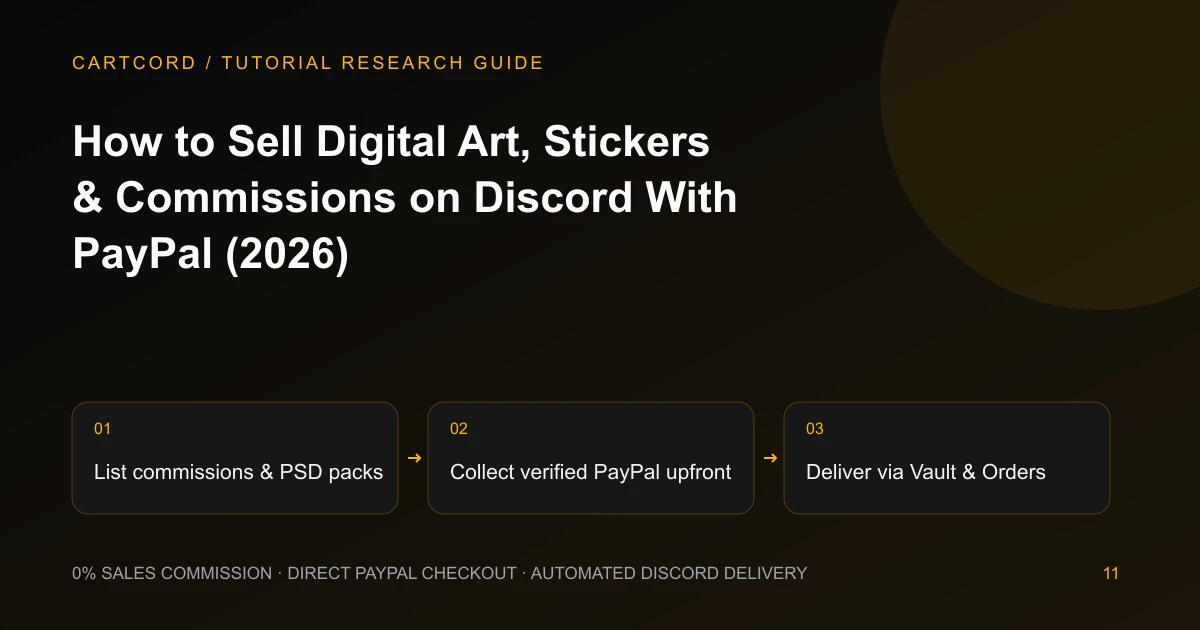
1) Automated Digital Asset Packs (Instant Download / Basic Vault): Upload ZIP bundles of animated Discord sticker sets, Twitch/YouTube stream overlays, Procreate/Photoshop brushes, 3D VTuber accessories, LUT presets, or beat stems. The instant PayPal capture succeeds, buyers receive their download immediately—and on Cartcord Basic ($29.99/mo) and above, proprietary PSDs stay safely inside expiring single-use Vault URLs instead of permanent public folders.
2) Prepaid Fixed-Scope Commission Slots (Tracked Manual Delivery): Replace chaotic negotiation threads with clean SKU options—for example `Discord Server Emote Pack of 5 ($45)`, `Custom 3D Thumbnail Render ($30)`, or `Full Channel Branding Suite ($120)`. Clients pay upfront directly into your Live PayPal account via `/buy` or your clean public portfolio URL (`/store/your-art`), linking payment strictly to their verified Discord ID while you track queue fulfillment right inside Dashboard Orders.
Stopping Scams, Closed-DM Failures & Bogus Art Chargebacks
• Set Scope & Usage Rights Clearly Before Purchase: Detail revision caps, non-commercial vs commercial VTuber licensing, resolution specs, and average delivery days right inside each product card, and publish transparent non-refundable custom commission terms using Discord Refund Policy Draft Generator.
• Never Lose Sales to Closed Buyer DMs: When clients turn server DMs off before ordering a brush kit or sticker bundle, amateur bots fail silently. Cartcord holds delivery cleanly in pending state so verified buyers pull their downloads directly from `/purchases` via Discord OAuth2.
• Keep Complete Order Evidence Ready: Pro ($59.99/mo) and Enterprise ($129.99/mo) stores unlock one-click Order Evidence Exports showing exact Discord ID linkage, timestamped PayPal capture IDs, and digital fulfillment records whenever dishonest buyers open bogus disputes.
• Keep 100% of Commission Prices Minus PayPal Fees: Unlike Buy Me a Coffee (5% cut forever) or casual marketplaces taking 5%–10%, Cartcord charges 0% commission across every single tier—starting free on Cartcord Free ($0/mo, 3 active offers, 5 monthly orders), moving to Starter ($9.99/mo for up to 35 monthly orders across 10 packs/commission types), or scaling on Basic ($29.99/mo for 150 orders + Vault file security).
Pricing Your Art Packs vs Custom Commissions for Steady Cashflow
Many successful Discord artists burn out selling custom art hours strictly one commission at a time. Combining one-off custom bookings ($40–$180 Manual Delivery) with evergreen $12–$25 sticker, emote, and brush bundles turns every client showcase into recurring passive product discovery.
Showcase 3 finished client screenshots per bundle, compress previews cleanly in seconds without sacrificing sharpness using our free Product Image Compressor, and pin interactive `#shop` embeds across your Discord portfolio channels so new server visitors browse prices cleanly without DMing 'how much?'.
Clean 4-Step Client Intake Workflow Inside Your Art Server
Treat commissions like clear boutique bookings instead of chaotic DM threads:
1) Display Fixed Base Tiers in `#shop`: Separate personal avatar commissions, commercial VTuber assets, animated sticker packs, and stream branding suites so prospective clients know exact upfront pricing immediately.
2) Collect Verified Prepayment Before Sketching: Clients tap Buy Now via `/store` or your web storefront, completing PayPal payment straight to your Live PayPal account while binding their order cleanly to Discord OAuth2.
3) Move Brief References Into a Private Order Ticket or Workspace Thread: Track WIP sketches, 1–2 included revision checkpoints, and final signoff cleanly via Dashboard Orders (`Manual Delivery`).
4) Deliver Full-Resolution Files Safely: Ship finished PSD/PNG packages privately or host evergreen brush/sticker packs behind expiring Basic Vault downloads so bonus assets stay protected from re-sharing.
Common Pricing & Scope Mistakes Discord Artists Should Avoid
Many illustrators underprice custom work by omitting commercial usage rights (merchandise, streaming sponsorships, SaaS mascots) or promising 'unlimited revisions'. Keep standard commission prices competitive while listing commercial licensing cleanly as a separate higher-tier product option, limiting free edits to early sketch approval, and saving hours per client. Pairing 0% commission fees on Cartcord with clean prepaid slots protects both your schedule and every single PayPal payout.
Check Selling Commissions & Services on Discord and Cartcord Pricing to launch your art storefront cleanly today.
Frequently Asked Questions for Discord Artists & Designers
• Should I use Cartcord if clients pay me with Stripe cards instead of PayPal? Note honestly that seller Stripe checkout is not yet released on Cartcord—today all live checkouts settle directly into your connected Live PayPal Business account (standard PayPal processing fees still apply).
• Can I optimize preview images fast so store pages load quickly? Yes—compress artwork previews right in your browser with zero file uploads using our free Product Image Compressor.
• How do buyers receive custom finished artwork once I finish drawing it? Mark the tracked order complete cleanly inside Dashboard Orders or send their final private deliverable link so both receipt history and Discord verification remain organized in one place.
Read more Cartcord articles