Insights & Guides
Tutorials, strategies, and updates from the Cartcord team to help you grow your Discord business.
Featured
Discord store bot: what it has to do before you invite it
A Discord store bot should list products, take payment into your own PayPal, and deliver the file, key, link, or role without a staff ticket. Here is the short list worth checking before you add one.

How to sell digital products on Discord without living in tickets
Selling a file, template, or preset on Discord works when the price, the PayPal checkout, and the DM delivery are the same path. Tickets are for support, not for every $15 sale.
Connecting PayPal to Your Discord Store: A Complete Guide
Learn how Cartcord routes customer payments straight to your own PayPal account, with no platform commission on your sales.
How to Set Up Your Discord Store with Cartcord
A step-by-step walkthrough to launch a fully working storefront inside your Discord server and take your first order today.
Latest

Discord PayPal Bot: Accept Payments and Deliver Digital Products
Set up a Discord PayPal store with your own merchant account. Understand delivery, fees, permissions, timed role passes, refunds and buyer purchase recovery.
How to sell license keys on Discord without handing out the same key twice
Paste a list of keys, sell them in Discord, and let each paid order take one unused key. The failures are an empty pool, a closed DM, and a re-send that people think mints a new key.

How to sell paid Discord roles without the bot failing the grant
Paid Discord roles work when the bot sits above the role it is supposed to give. Here is the setup, the test purchase, and the refund step people skip.
How to add a shop to a Discord server this afternoon
You can add a shop to a Discord server with an invite, a PayPal app, and one product. The afternoon version skips themes and coupons until a real order exists.
How to send a file after someone pays you in Discord
After a Discord payment, send a download URL in a DM once PayPal has captured. Do not drop the file in the channel, and do not use a link that never dies if the file is private.

Selling on Discord without giving away a cut of every order
A Discord store can charge a flat monthly fee instead of a percent of each sale. PayPal still takes its processing fee. Here is how the two charges differ.

Discord role not given after payment: check the role list first
If someone paid and the Discord role never showed up, the bot is usually below that role in Server Settings. Move it up, then re-send the order. Do not refund first.
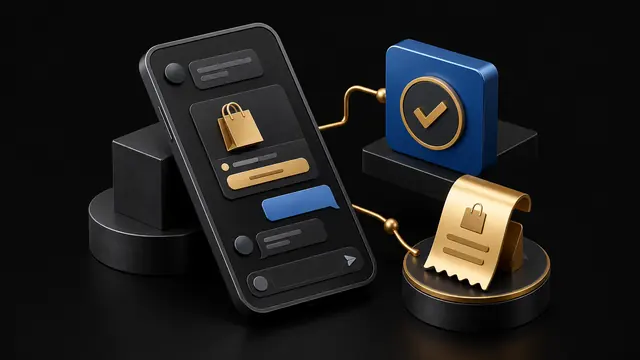
How a buyer pays inside Discord, from /store to the receipt DM
Buyers in a Cartcord server use /store, /products, or /buy, pay on PayPal, and get a DM. Here is the path to paste when someone asks how to buy.
Growing Your Discord Community into a Profitable Business
Turn an engaged Discord server into a sustainable revenue stream with the right products, offers, and retention loops.
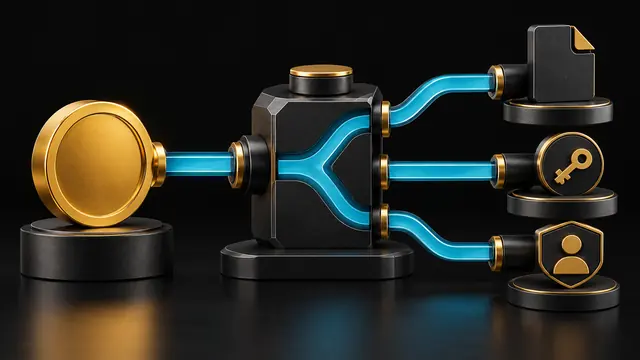
Automating Product Delivery on Discord
Configure delivery, inspect failed attempts and help buyers recover files, keys, links and one-time roles after payment.

Pricing Your Digital Products: Strategies That Convert
Smart, data-informed pricing approaches that maximize revenue without scaring away your community.
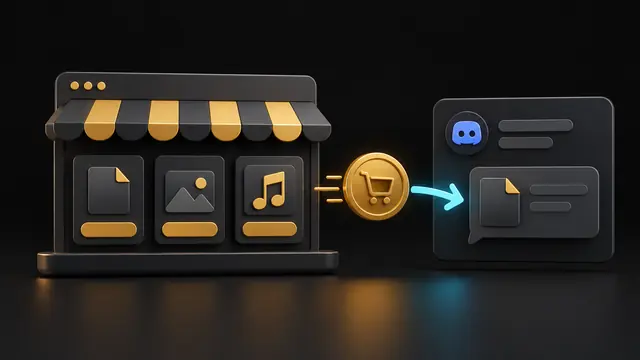
How to sell digital products on Discord in 2026
A practical setup for selling files and links in Discord without a ticket for every order.
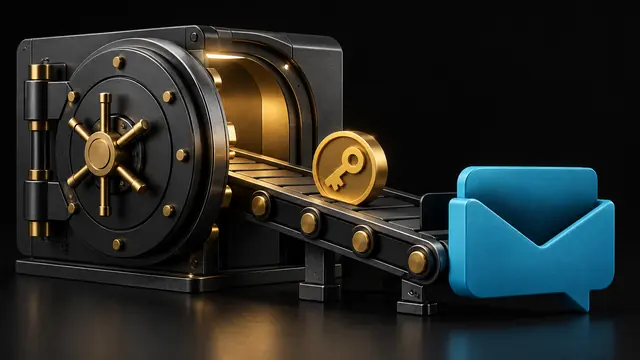
How to sell license keys on Discord automatically
Stop pasting serials by hand. Let each paid order take one unused key.

How to sell paid Discord roles with PayPal
One-time role access with clear terms, buyer recovery and no Cartcord sales commission.

Selling FiveM scripts on Discord: checkout rules and delivery
A practical guide to checkout eligibility, technical documentation, and buyer support for FiveM creators.

Whop vs Tebex vs Cartcord for Discord stores
A straight comparison of who takes a cut, who holds the money, and who can deliver inside Discord.
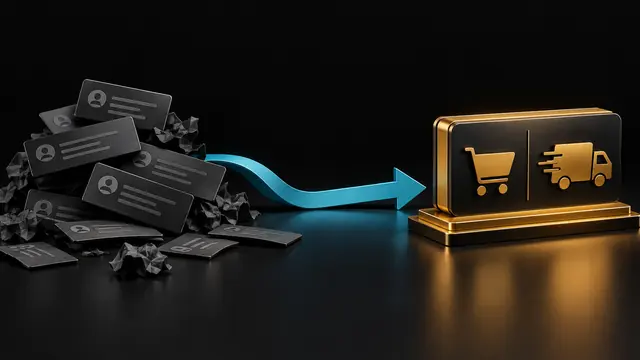
Replace manual Discord ticket sales with a store bot
Tickets are for help. Checkout should not wait on a staff member.
How to sell Minecraft plugins and configs on Discord
A direct checkout for plugin jars and server configs.
How to get Google traffic to a public Discord storefront
Discord commands sell to members. The public URL can sell to people who search.
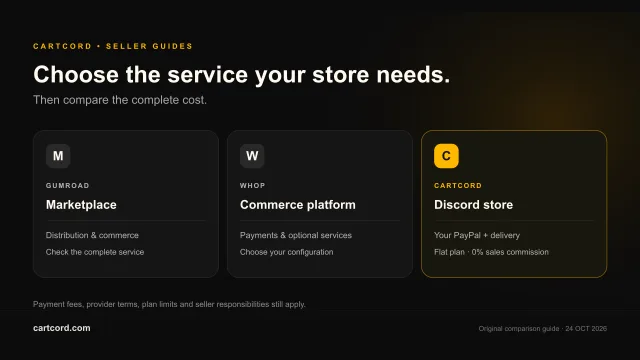
Gumroad vs Whop vs a Discord store bot: a practical seller comparison
Choose the commerce model your products need, then compare its total cost. A percentage fee and a flat Discord store plan pay for different services.
Practical reading for a Discord store launch
Start with the digital-products guide if you are deciding what to sell and how buyers should receive it. The PayPal guide explains direct merchant checkout, provider fees and payment confirmation. License-key and role guides cover the different delivery promises those products require. These articles support planning; the documentation contains the current setup and recovery steps for released features.
A useful launch checklist includes an accurate product description, compatible file formats or software versions, clear delivery timing, seller support and a refund-review process. Calculate your actual operating costs before choosing a plan. Cartcord's sales commission is zero, but payment-provider charges, hosting, support and taxes can still affect your margin. Example calculations do not promise revenue, savings or search rankings.
Game-related products need an additional eligibility check. A Discord sales guide does not override a game's licensing or monetization rules, and a manual command example is not an installed delivery integration. Read the linked primary platform documentation before selling. When comparing services, verify their current prices and features directly, then compare the complete buyer experience rather than one headline percentage.