Start with one customer job
A useful bundle helps the buyer finish a job. A streaming starter pack might contain an original overlay set, matching alert graphics and installation notes. Adding unrelated files increases download size without making that job easier. List every included item and explain which files depend on paid software or an external account.
Write a contents manifest before setting the price. Include filenames, versions, formats and the license scope. Then compare the manifest with the actual archive. The public page and private delivery should describe the same product; the buyer should not discover missing components only after payment.
Use an honest pricing example
Suppose three individually listed resources cost $12, $18 and $10. Their combined standalone price is $40. A bundle price of $32 represents an $8 reduction, or 20 percent, only if those standalone prices are real current offers. Avoid invented reference prices or a permanent countdown that resets for each visitor.
Estimate contribution after processor fees, expected support time, refunds and any fulfillment cost. For illustration, $32 revenue minus $2 assumed processing and $6 expected support leaves $24 before other costs and taxes. Those are example inputs, not PayPal's actual fees. Use your account's rates and your own support history in the fee and profit tools.
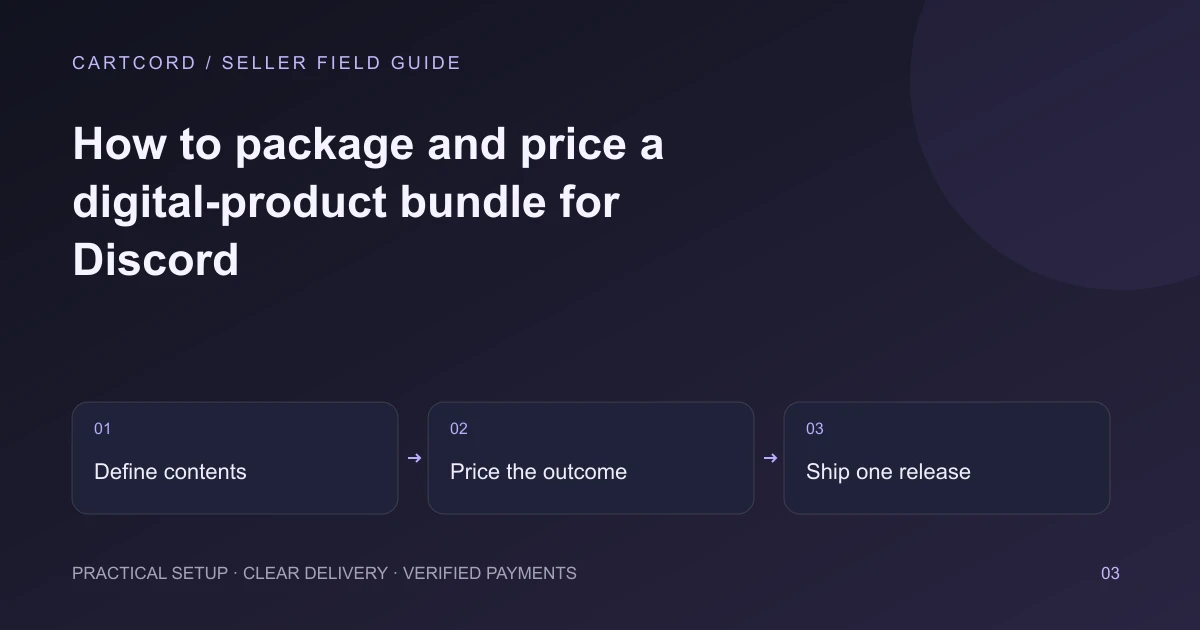
- 01
Define contents
- 02
Price the outcome
- 03
Ship one release
Before promoting any digital storefront publicly, verify your full workflow end to end: test Live PayPal checkout using an ordinary non-staff Discord account, check Manage Roles hierarchy above every purchasable role, confirm single-use license key stock or protected download links, and keep delivery recovery instructions clear at /purchases.
Cartcord charges 0% sales commission on flat plans ($0 Free, $9.99 Starter, $29.99 Basic, $59.99 Pro, $129.99 Enterprise), while PayPal processing fees and applicable platform eligibility rules—such as Tebex for FiveM and RedM server monetization—remain the merchant's responsibility.
Technical fulfillment specs: Discord slash commands /store, /products, /buy, /purchases and /help; Discord OAuth2 web authentication; Live PayPal direct payouts; protected Basic+ downloads, single-use CSV license keys with optional Ed25519 checks, Manage Roles grants and Enterprise Fraud Guard webhooks.
Separate a single archive from native bundle entitlements
A single ZIP sold as one file product is operationally different from selling a collection of products with independent licenses, updates and role grants. In Cartcord, publish a tested archive or another supported delivery configuration. Do not advertise automatic component entitlements unless the exact workflow is available and has passed your acceptance checks.
For a starter pack, keep all files and the installation guide in one versioned release. If a license key or Discord role must also be delivered, confirm that your selected delivery setup supports that requirement. A description saying includes everything is not a substitute for a verified fulfillment path.
Decide what happens when one component changes
If the overlay is updated but the alert graphics are unchanged, decide whether you will replace the whole archive or provide a documented update. Keep the original manifest and release notes so a customer can identify their purchase. Explain whether existing buyers receive updates, and how they will find them.
Define your support and refund process for a bundle before launch. Preserve which version was delivered and the resources promised at checkout. Avoid silently replacing an advertised file with a different item. Any legal refund obligations or provider dispute terms still need separate review for your location and product.
Make the comparison easy to evaluate
Show a concise contents list, representative previews, supported formats and the genuine standalone-versus-bundle calculation. Link to the relevant individual products where they are actually available. Google recommends crawlable links and a clear site structure; a buyer should also be able to navigate between the bundle, its explanation and related resources without using search.
After launch, evaluate completed orders and support issues together. A higher average order value is useful only if the extra resources do not create disproportionate installation work. Review the questions buyers ask, improve the instructions and remove components that do not serve the bundle's main job.
Official sources
Sources checked on 2026-11-08. Review current provider terms before making a decision.
- Work through your profit assumptionsRelated guide
- Digital asset release checklistRelated guide
- Supported delivery setupRelated guide
Frequently asked questions
Is one ZIP product the same as a native product bundle?
No. A ZIP is a single delivered resource. A native bundle may require separate component entitlements, update rules and fulfillment behavior.
How do I calculate a bundle discount?
Subtract the bundle price from genuine current standalone prices, then divide that saving by the standalone total. Do not use imaginary reference prices.
Should every buyer receive future components?
Only promise the update and expansion rights you intend to provide. State whether the purchase covers a fixed release or future additions.