Prepare a template a new buyer can actually use
Start with a narrow outcome, such as a freelance client tracker with a project board, invoice checklist and sample client. List exactly which pages and databases the buyer receives. Use screenshots of the real template, including its mobile view, and say whether a free Notion account is sufficient for the workflow you demonstrate.
Make a separate distribution copy. Remove personal records, internal comments, customer names and links to private workspaces. Open every linked page from a different account. A beautiful dashboard is not ready to sell if its database views depend on pages the buyer cannot access.
Test the distribution link outside your owner account
Use a fresh browser profile or a second Notion account to duplicate the distribution copy. Add a sample record, follow the setup instructions and check that relations and formulas still work. Record the date and template version of this rehearsal. A successful preview in your own workspace does not prove that a customer can duplicate the product.
Notion's official Marketplace guide distinguishes templates sold directly through Notion from third-party listings. Marketplace checkout can affect how an existing template URL behaves; creators distributing through another platform may need a separate copy and link. Check that documentation before reusing the same URL for both channels.
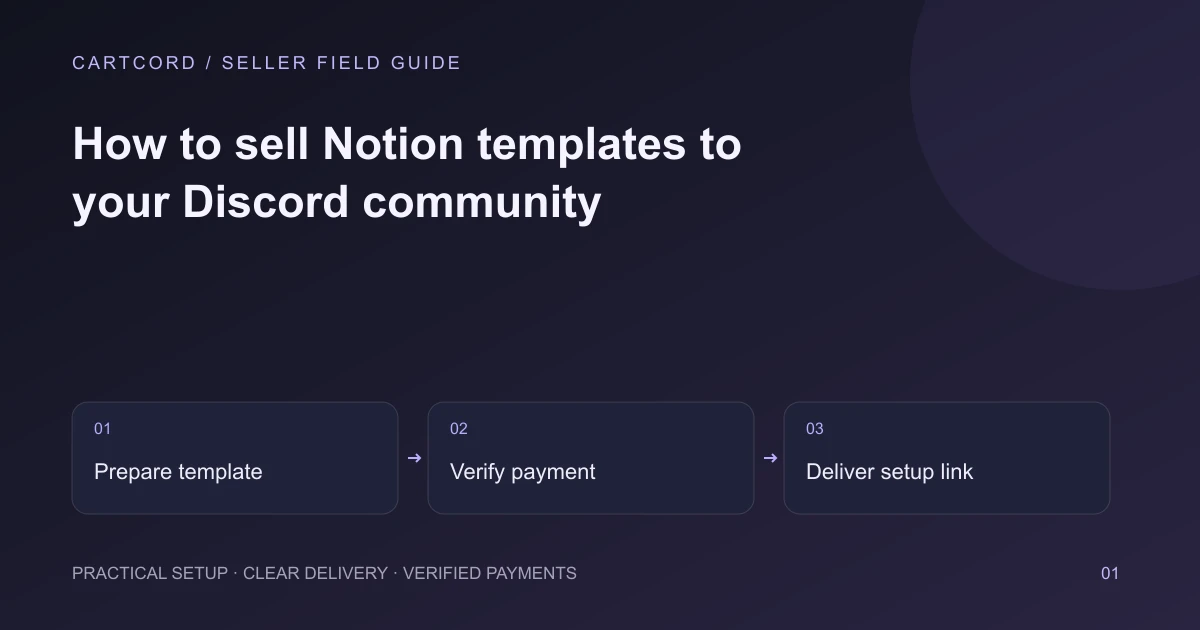
- 01
Prepare template
- 02
Verify payment
- 03
Deliver setup link
Before promoting any digital storefront publicly, verify your full workflow end to end: test Live PayPal checkout using an ordinary non-staff Discord account, check Manage Roles hierarchy above every purchasable role, confirm single-use license key stock or protected download links, and keep delivery recovery instructions clear at /purchases.
Cartcord charges 0% sales commission on flat plans ($0 Free, $9.99 Starter, $29.99 Basic, $59.99 Pro, $129.99 Enterprise), while PayPal processing fees and applicable platform eligibility rules—such as Tebex for FiveM and RedM server monetization—remain the merchant's responsibility.
Technical fulfillment specs: Discord slash commands /store, /products, /buy, /purchases and /help; Discord OAuth2 web authentication; Live PayPal direct payouts; protected Basic+ downloads, single-use CSV license keys with optional Ed25519 checks, Manage Roles grants and Enterprise Fraud Guard webhooks.
Use a link product with a clear first-use message
In Cartcord, create a product with link delivery and put the tested distribution URL in its private delivery configuration. Describe the template on the public product page, then include a short getting-started document with the delivered resource. Tell customers to sign in with Discord so the purchase is associated with the account that will recover it later.
For example, a client-tracker order can deliver a template link and instructions to duplicate the workspace, rename the sample client and set the working currency. Keep private URLs out of public screenshots, product descriptions and announcement messages. Before launch, inspect the public listing as an ordinary Discord member.
Explain protection and update limits honestly
A paid link is still a link. Cartcord controls when it discloses the configured delivery resource; it does not turn a normal Notion URL into Notion Marketplace access locking. Once a customer has duplicated a workspace, do not promise that a refund or a Discord role change can erase that copy. Notion documents the availability and scope of its own access-locking features.
State the license, whether commercial client work is allowed, the support period and how updates will be distributed. If version 1.1 replaces the original template, explain whether existing customers receive a new link or migration instructions. Preserve old installation notes long enough to support purchases made before the update.
Give buyers a recovery route before the first launch
The delivery message should tell the buyer what to do if duplication fails: confirm the Discord account used for purchase, open purchase recovery and quote the order reference to support. Ask for a screenshot of the error, not their Notion password. Distinguish a payment problem from a permission problem before offering another checkout.
For discovery, use a product title such as Freelance Client Tracker for Notion rather than Ultimate Productivity System. Explain the target user, included views and tested limitations. Link the listing from a relevant tutorial in your community so readers can evaluate a real workflow before buying.
Official sources
Sources checked on 2026-11-08. Review current provider terms before making a decision.
- Product setup documentationRelated guide
- Recovering a missing digital deliveryRelated guide
- Current Cartcord plansRelated guide
Frequently asked questions
Does Cartcord provide Notion Marketplace access locking?
No. A Cartcord link product delivers your configured URL after eligible payment verification. Notion controls its own duplication and access-locking features.
Should I test the link while signed in as the template owner?
Also test from another account. Owner access can hide missing permissions and private database dependencies.
Can I sell someone else's template?
Only if its license gives you the necessary redistribution rights. Create original work and verify the rights to every included asset.