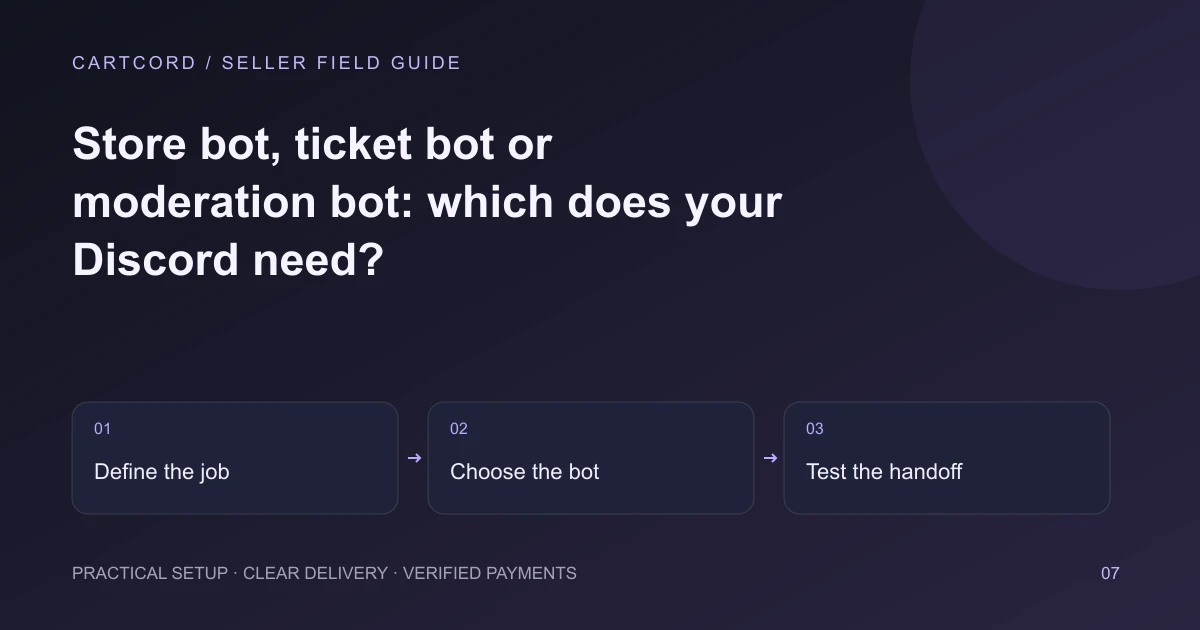
Begin with the event you want to handle
Write down a concrete event: a member breaks a rule, a customer needs help or someone buys a template. Those events require different capabilities. Moderation concerns enforcement and server safety. Tickets organize conversations. Commerce must connect a product, a buyer identity, verified payment and an accountable delivery result.
A large command list is not a useful comparison by itself. For each bot, ask what happens when the operation fails and who can investigate it. A polished message is helpful, but it cannot replace payment verification, access checks or a recoverable order record.
Use ticket software for conversations that need a person
Tickets suit installation questions, custom project briefs and problems that require private staff discussion. Define the information a customer should provide and the staff roles that may read it. Keep the order reference in the conversation so the team can locate the purchase without collecting unnecessary personal information.
A ticket opened after a payment screenshot is not equivalent to a verified checkout. If staff must manually confirm each charge and paste each file, the ticket remains part of a manual sales operation. That may suit a few bespoke commissions, but it creates a different workload from automated digital downloads.
- 01
Define the job
- 02
Choose the bot
- 03
Test the handoff
Before promoting any digital storefront publicly, verify your full workflow end to end: test Live PayPal checkout using an ordinary non-staff Discord account, check Manage Roles hierarchy above every purchasable role, confirm single-use license key stock or protected download links, and keep delivery recovery instructions clear at /purchases.
Cartcord charges 0% sales commission on flat plans ($0 Free, $9.99 Starter, $29.99 Basic, $59.99 Pro, $129.99 Enterprise), while PayPal processing fees and applicable platform eligibility rules—such as Tebex for FiveM and RedM server monetization—remain the merchant's responsibility.
Technical fulfillment specs: Discord slash commands /store, /products, /buy, /purchases and /help; Discord OAuth2 web authentication; Live PayPal direct payouts; protected Basic+ downloads, single-use CSV license keys with optional Ed25519 checks, Manage Roles grants and Enterprise Fraud Guard webhooks.
Evaluate a store bot from purchase to recovery
For a digital storefront, rehearse browsing, checkout, payment verification, delivery and purchase recovery. Test a file or link, key stock or a role grant according to what you actually sell. Confirm what the buyer sees if DMs are blocked and what staff can inspect when delivery is delayed.
Cartcord provides a store and delivery workflow with authenticated Discord identities and supported payment integrations. Check the current documentation and release boundaries for your required delivery type. Do not infer recurring buyer billing, a native Discord payment button or escrow from a screenshot of a product card.
Distinguish selling products from monetizing the bot itself
Discord's Premium Apps model includes SKUs, entitlements and subscriptions for supported app offerings. That is a distinct integration from an external web checkout for a seller's resource. A URL that opens PayPal does not become native Discord billing merely because the link appears in a Discord message.
If your business sells premium features of the app itself, review Discord's current monetization documentation and applicable developer terms. If your server sells an original asset or service, evaluate that product's rights, provider eligibility and fulfillment requirements separately. Choose the payment route based on the actual offer.
Combine tools with clear responsibility boundaries
A server can use a moderation bot, a ticket system and a store bot together. Decide which tool owns each responsibility. For example, a store creates the order and delivery record, while a ticket references that order for support. Avoid two independent automations granting and removing the same paid role without a shared entitlement policy.
Run a short acceptance rehearsal before inviting the community: ordinary-member browsing, one authorized test purchase, a support lookup and a recovery attempt. Record which checks used mocks or sandbox data. Automated tests are useful evidence, but they do not prove every real customer's payment method and Discord configuration will work.
Official sources
Sources checked on 2026-11-08. Review current provider terms before making a decision.
- Cartcord's store bot workflowRelated guide
- Store bot permission checklistRelated guide
- Compare commerce workflowsRelated guide
Frequently asked questions
Can a ticket bot replace payment verification?
A ticket organizes a conversation. It only replaces verification if it implements and validates the actual payment and order workflow you require.
Can I keep my existing moderation bot?
Yes, if responsibilities and permissions are clear. Review overlapping role automations so one tool does not undo another tool's valid access.
Is an external PayPal link native Discord monetization?
No. Discord Premium Apps uses its own SKU, entitlement and subscription model. An external provider link is a separate checkout route.