Map each permission to an actual store operation
List what the bot will do in your server: publish a shop panel, respond to a buyer, post an order log or grant a purchased role. Then review the permission needed for each operation. A moderation bot, a music bot and a store bot have different jobs; copying one bot's role setup to another can grant unnecessary access.
Discord combines guild permissions with channel overwrites. Test the exact channels used by the store, not only the permissions shown on the bot's top-level role. A bot may be able to post in a general channel while being denied access to a private order-log channel.
Test public browsing as an ordinary member
Use an account without server-management privileges to view the shop panel and start a private product interaction. Check that buyers can discover the intended product without seeing staff notes, delivery resources or customer information. Your administrator account can hide access problems that ordinary members will encounter.
Keep staff-only actions behind the intended Discord and web authorization checks. A button that opens a dashboard is navigation, not proof that the visitor owns the store. Cartcord's authenticated workspace independently checks access; members should not receive billing-owner powers simply because they can see a message.
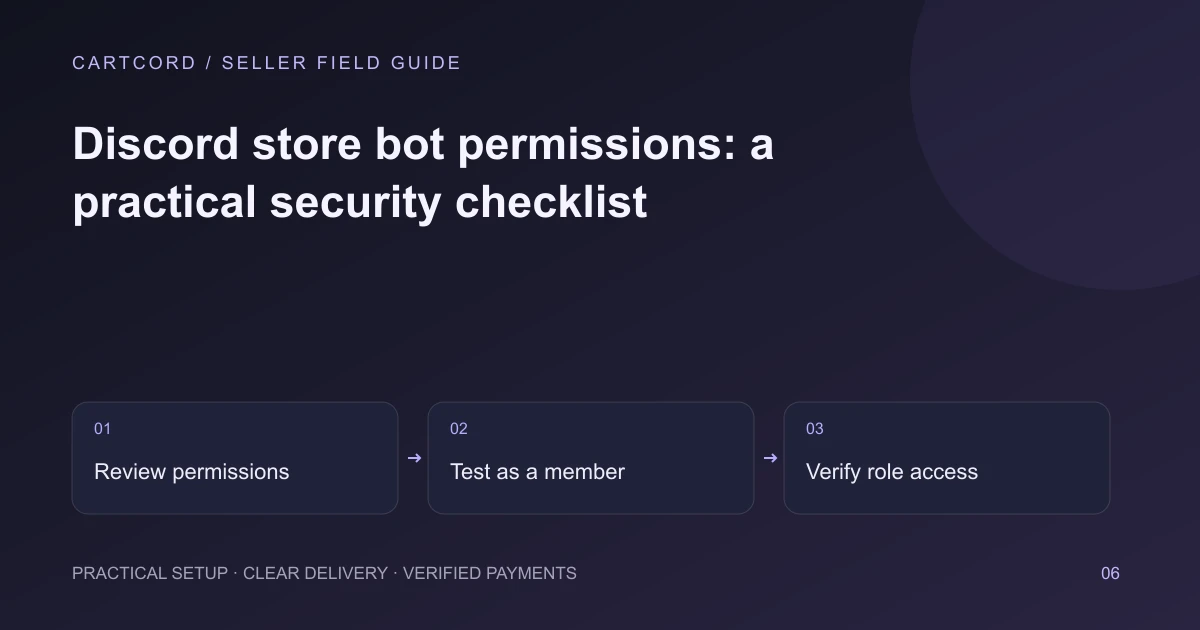
- 01
Review permissions
- 02
Test as a member
- 03
Verify role access
Before promoting any digital storefront publicly, verify your full workflow end to end: test Live PayPal checkout using an ordinary non-staff Discord account, check Manage Roles hierarchy above every purchasable role, confirm single-use license key stock or protected download links, and keep delivery recovery instructions clear at /purchases.
Cartcord charges 0% sales commission on flat plans ($0 Free, $9.99 Starter, $29.99 Basic, $59.99 Pro, $129.99 Enterprise), while PayPal processing fees and applicable platform eligibility rules—such as Tebex for FiveM and RedM server monetization—remain the merchant's responsibility.
Technical fulfillment specs: Discord slash commands /store, /products, /buy, /purchases and /help; Discord OAuth2 web authentication; Live PayPal direct payouts; protected Basic+ downloads, single-use CSV license keys with optional Ed25519 checks, Manage Roles grants and Enterprise Fraud Guard webhooks.
Check role hierarchy before selling access
A role product needs a role the bot can actually manage. In addition to the required permission, compare the bot's highest role with the role being sold. Discord's hierarchy limits role management. Do not sell an administrator role or another privileged staff role as a casual community perk.
Create a test role and inspect the private channels it unlocks. Confirm both what becomes visible and what stays hidden. If a purchase is refunded or expires under a supported timed-access configuration, review removal behavior without stripping unrelated access the member already held.
Keep credentials and customer records out of troubleshooting
A support screenshot should show the relevant permission or error without exposing bot tokens, API secrets, payment credentials or buyer delivery data. Never paste a bot token into a public ticket. Store owners should use the normal account-connection flow rather than handing a staff member their personal Discord login.
When changing channel access, record what changed and test the expected result. If delivery stops working, inspect permissions and the existing order status before reinstalling everything. Removing and reinviting a bot can create additional configuration work while leaving the original permission problem unresolved.
Recheck access after changing your server structure
Moving the bot role, replacing a paid role or recreating a channel can invalidate an earlier rehearsal. Keep a short operational checklist: shop visible to ordinary members, private actions private, order logs staff-only and target roles manageable. Run it after significant server changes and before a large promotion.
Respect Discord's rate-limit responses when operating at scale. Retrying a denied request aggressively does not repair permissions. Cartcord uses bounded work and retries for supported operations, while the server owner remains responsible for maintaining the permissions and resources required by the chosen delivery setup.
Official sources
Sources checked on 2026-11-08. Review current provider terms before making a decision.
- Cartcord security and reportingRelated guide
- Bot setup documentationRelated guide
- Choosing the right type of Discord botRelated guide
Frequently asked questions
Does granting Administrator solve every role-delivery problem?
Role hierarchy still matters. Review the target role and the bot's position instead of treating a broad permission as a universal fix.
Why should I test with a member account?
An administrator can bypass visibility restrictions and may not experience the channel and command permissions your buyers encounter.
Does seeing a management link grant store ownership?
No. The authenticated web workspace must independently authorize the visitor for the requested store operation.