Confirm end-to-end payment capture and automated delivery first
A genuine Discord sales bot handles five linked steps cleanly without staff handoffs: storefront catalog browsing, checkout creation, verified provider capture, automated product fulfillment and persistent order logging. General moderation bots (like MEE6 or Dyno) cannot substitute for verified checkout automation on their own.
Cartcord connects in-server /store commands and public web URLs directly to five real fulfillment types—file URLs (with Basic+ protected versions), single-use license key pools, private links, one-time Discord role grants and clearly labeled manual fulfillment orders.
Compare total selling cost and international PayPal settlement
Calculate total margin across three cost layers before committing: fixed monthly software cost, platform revenue commission and payment gateway charges. Cartcord runs flat per-server USD plans ($0 Free, $9.99 Starter, $29.99 Basic, $59.99 Pro, $129.99 Enterprise) with 0% Cartcord sales commission.
Payments flow directly into the seller's verified Live PayPal account without escrow balances. For communities selling regionally in Brazil or domestic-only local methods like Pix, verify upfront whether your target buyers prefer local gateway integrations or global PayPal checkout before publishing.
- 01
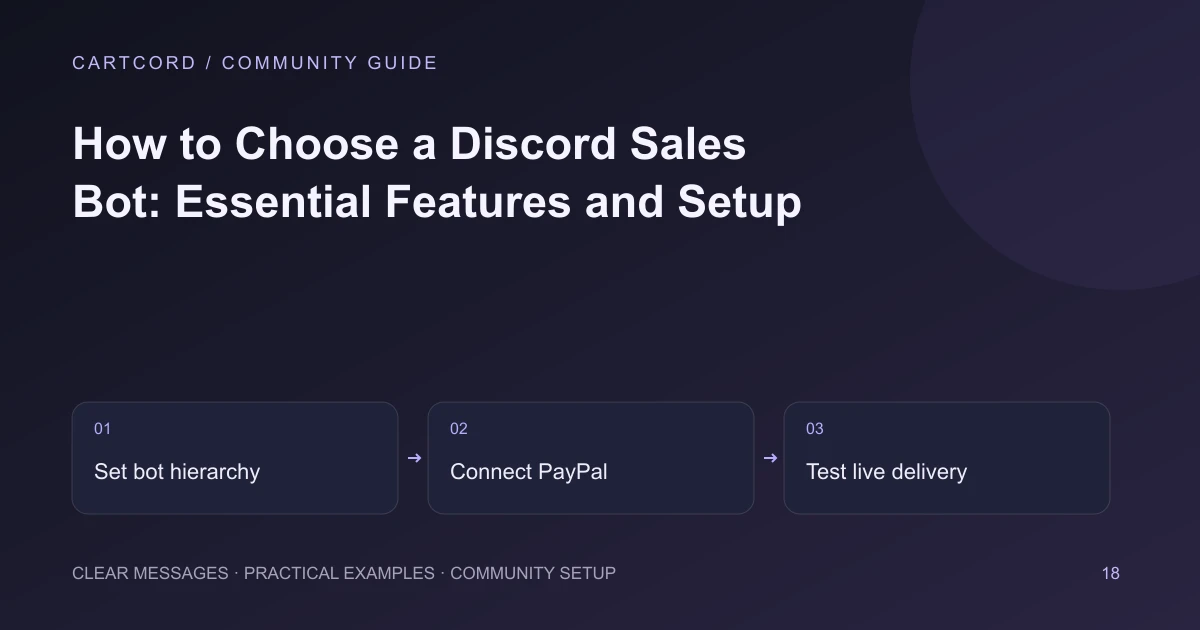
Set bot hierarchy
- 02
Connect PayPal
- 03
Test live delivery
Before promoting any digital storefront publicly, verify your full workflow end to end: test Live PayPal checkout using an ordinary non-staff Discord account, check Manage Roles hierarchy above every purchasable role, confirm single-use license key stock or protected download links, and keep delivery recovery instructions clear at /purchases.
Cartcord charges 0% sales commission on flat plans ($0 Free, $9.99 Starter, $29.99 Basic, $59.99 Pro, $129.99 Enterprise), while PayPal processing fees and applicable platform eligibility rules—such as Tebex for FiveM and RedM server monetization—remain the merchant's responsibility.
Technical fulfillment specs: Discord slash commands /store, /products, /buy, /purchases and /help; Discord OAuth2 web authentication; Live PayPal direct payouts; protected Basic+ downloads, single-use CSV license keys with optional Ed25519 checks, Manage Roles grants and Enterprise Fraud Guard webhooks.
Apply least-privilege Discord permissions and correct role hierarchy
Never click Administrator just to install a shop bot faster. Grant only View Channels, Send Messages and Embed Links inside active store channels, adding Manage Roles exclusively if selling automated VIP access. Position the bot's top role above every role it assigns under Discord Server Settings.
Configure clean dedicated channels (#store, #support, #announcements) locked against unauthorized message edits, and route customer credentials strictly through the authenticated dashboard rather than pasting tokens in staff chat.
Stock finite keys separately from unlimited digital downloads
Treat license keys and digital downloads with different stock rules. Leave digital file archives and VIP roles on unlimited availability when evergreen, while configuring software serials as finite reserved pools so every checkout allocates an unused string before PayPal settles.
Never ship delivery strictly from an unverified screenshot or manual 'I paid' button—Cartcord confirms provider payment capture directly with replay-safe idempotency and Fraud Guard protection on Enterprise.
Run a low-price live test checkout before announcing to members
Before tagging @everyone, create one low-price test listing on Free ($0) and confirm five critical outcomes from a standard member account: PayPal approval captures cleanly, automated DM and role assignment succeed, failed payments unlock zero stock, buyer recovery works inside /purchases and your support refund process is clearly documented.
Running that real five-minute rehearsal catches almost every permission or closed-DM bottleneck before paying customers arrive.
Official sources
Sources checked on 2026-11-27. Review current provider terms before making a decision.
- See Cartcord Discord store bot featuresRelated guide
- Calculate PayPal and plan feesRelated guide
- Read Live PayPal store connection guideRelated guide
Frequently asked questions
Does Cartcord charge sales commission on the Free plan?
No. Sales commission is 0% across all Cartcord tiers including $0 Free, though standard PayPal transaction charges still apply directly.
How do buyers recover lost files or keys inside Discord?
Buyers run /purchases or sign into cartcord.com/purchases using the same Discord account used at checkout to access eligible deliveries anytime.
Can Cartcord keep files protected from casual link sharing?
Basic and higher plans unlock managed protected download versions with short-lived authenticated access links, though buyers can still save downloaded copies locally.