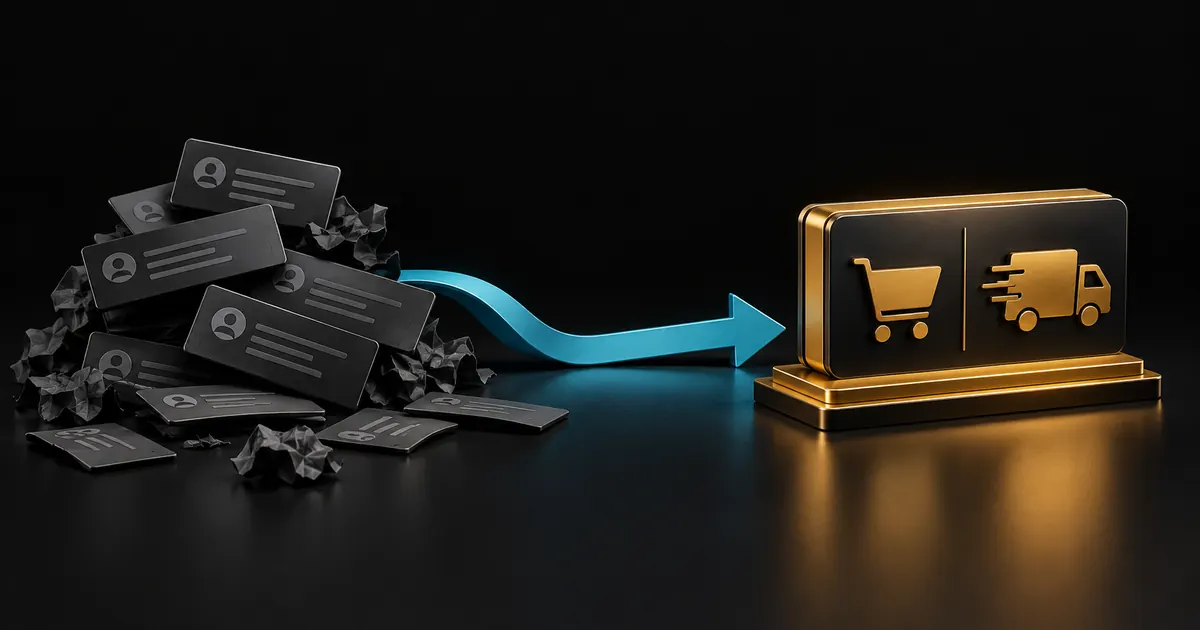
How Native Slash Commands Increase Conversion
The buyer sees the price, pays PayPal, and gets the DM without a staff member in the middle. You still have a dashboard when something fails.
- 01
Publish products in Discord
- 02
Buyer selects a product
- 03
Verify the PayPal payment
- 04
Deliver without a sales ticket
Combining Automated Delivery with Manual Service Orders
Coaching, setup, and custom work should stay manual. The order remains pending and both sides get the instructions you wrote. Digital goods should not use that path.
Managing Servers and Staff Without Sharing PayPal Logins
Manage Server members can run the store. They do not need your PayPal password. Each server has its own catalog, orders, and plan.
Written by the Cartcord team that builds the Discord store bot, PayPal checkout, and delivery pipeline.
What a ticket actually costs
A ticket sale is a person, a time zone, and a PayPal invoice typed by hand. The buyer who asked at 2am waits until morning, or they buy from someone who answered. The file then moves through DMs, which is also where scams copy your wording. /buy replaces that queue for anything that can be a URL, a key, a role, or a written manual step. Manual delivery still exists for work a human must do, and it notifies both sides with the instructions you wrote. It is not the path for a ZIP you could have linked.
Staff should not share the PayPal login to 'help with orders'. Manage Server is enough to open the right dashboard. Each server is billed and limited on its own, so a moderator on server A cannot spend server B's order allowance. Payment status and delivery status stay separate, which is how you resend a file without marking a captured payment as unpaid.
Move one product off tickets first
Plans stay server-wise. Free is $0 with 3 products and 3 orders a month, which is enough to prove one offer. Basic is $29.99 with 25 products and 100 orders. Pro is $59.99 with 150 products, 1,000 orders, coupons, themes, and store docs, and it is the plan most active stores should use. Enterprise is $129.99 with unlimited products and orders, fraud guard, and signed webhooks. None of those prices is a percentage of the sale. PayPal's own processing fee still applies, and Cartcord does not hold the payout. Put the product that already sells on Free or Basic. Connect PayPal. Set the delivery. Let publish guard complain if something is missing. Tell the server the command list is /store, /products, and /buy. Leave the ticket channel for support, not for checkout.
Buyers browse and start checkout with /store, /products and /buy; web purchase recovery is available through Your purchases. There is no cart command and no extra checkout command. They can also open the public store URL. After PayPal captures the payment, delivery is a file link you host yourself, one unused license key from your pool, a private URL, a Discord role granted once, or a manual order that stays pending until staff act. Optional timed passes require an available expiry service; payments do not recur. Basic+ supports private uploads with short-lived signed links or optional 24-hour single-use downloads within the published storage limits.
The operating rules that do not change with the niche
For a store that used to live in tickets, the sale is finished only when PayPal has captured the payment and the delivery you configured has been sent. Cartcord takes 0% of that order. The monthly cost is the server plan, not a slice of revenue. PayPal still charges its processing fee, and that fee is between you and PayPal. Cartcord never holds a balance you later withdraw, so Cartcord does not impose a wallet payout schedule; PayPal can still apply fees, holds or account restrictions.
Keep the command list short when you announce a store that used to live in tickets. Members run /store to see the shop, /products to browse, and /buy to pay. They can also use the public store URL, which is the address a person outside the server, and a search engine, can open. Do not invent a cart command. Do not ask them to open a ticket to pay for something the bot can already deliver. Tickets stay for support and for the rare order you marked as manual.
Delivery for a store that used to live in tickets is one of five setups. A file uses an external URL or a Basic+ protected managed version. Managed uploads allow 25 MiB per file and 250 MiB reserved storage per store. A license key is one unused line from the pool, and a resend repeats that same line. A private URL is a link. A role is granted after capture. Optional timed passes require a live expiry service and are paid once, without recurring billing. A manual order stays pending and pings staff with the buyer details and the instructions you wrote. Publish guard is what stops the product going live while PayPal, the delivery, or the stock is missing.
Pick the plan from the order count, not from a feeling about the niche. Free covers 3 products and 3 orders a month. Basic is $29.99 for 25 products and 100 orders. Pro is $59.99 for 150 products and 1,000 orders, and it adds coupons, themes, store docs and scoped merchant API keys. Enterprise is $129.99 when you need unlimited volume, fraud guard, and signed webhooks. The example of 10% on $5,000 is a $500 scenario input, not a statement of any vendor's current rate. Pro is $59.99 and none of the $5,000. Use the fee calculator for your own sales number, and read pricing before you promise a buyer a feature that sits on a higher plan.
When a store that used to live in tickets is live, check three things after the first real payment. The PayPal capture should show on the order. The delivery status should show sent, or pending if the buyer's DMs were closed. The public store URL should be the same shop the commands show, so a member who shares the link is not sending people to an empty page. If a name looks like a test, a demo, or a sandbox, or the shop has no products, that storefront is noindex and stays out of the sitemap. A real shop with products can be indexed. From any of these guides you can open pricing, the fee calculator, and the solution pages linked under the article.
A clean launch for a store that used to live in tickets is a short announcement, not a new website. Name the server, list the three products with their prices and whether the buyer receives a file, a key, a link, or a role, and tell them the commands. The announcement generator on the tools page drafts that message. The fee calculator puts a percentage marketplace next to the flat plan so the owner can see the year, not just the first sale. Pricing is the page that states Free, Basic, Pro, and Enterprise without a sales adjective doing the work. Those three links are the next step after this article, and they are the same facts the rest of the site is willing to stand behind.
Buyer recovery, refunds and feature boundaries
Use Your purchases with the original Discord login to recover eligible content. A paid order can have failed, pending or held delivery. Fix the underlying issue and retry the existing order instead of charging again. Basic adds protected file versions, Pro adds API keys for product/order reads and non-key stock updates, and Enterprise adds risk review and signed webhooks.
The merchant issues refunds in PayPal. Verified completed partial refunds preserve access; cumulative full refunds close new delivery access and queue eligible saved role removals through the scheduled access service. New recovery/staff bot commands still have a separate rollout. Existing signed links and downloaded copies cannot be universally recalled. Signed license verification with device limits is available only after developer integration. Optional single-use downloads protect managed uploads, not external URLs. Timed passes require a ready expiry service and are blocked for new setup while it is unavailable. Pro+ creator referrals issue store coupon rewards after qualifying paid delivery; they do not create cash balances or automatic payouts. Basket checkout, component bundles, recurring buyer billing, seller Stripe/crypto checkout, game-server command delivery and automatic booking are not released.
Migrate the queue without losing outstanding orders
Start with a list of paid tickets that have not yet been fulfilled. Assign an owner and an expected delivery action to each one before publishing the new checkout instructions. A buyer who already paid through the old process should not be asked to pay again because a new store launched. Keep the original receipt reference and finish that order through the existing support process. Automation should reduce the future queue, not erase the record of the old one.
Choose one product with a clear delivery outcome for the first automated launch. Update the channel topic, pinned message, and staff response template together so members see the same buying instructions everywhere. Leave a support route for failed DMs, product questions, and work that requires a person. After the first week, compare paid orders with successful deliveries and count the tickets that still ask how to buy. That gives you a concrete next improvement. If a service needs requirements gathering, use manual fulfillment with explicit instructions instead of promising that every support conversation will disappear.
Frequently asked questions
Should I delete the ticket bot?
Keep it for support. Stop using it as the cash register.
Can one server sell both files and manual work?
Yes. Delivery type is per product.
Who gets the PayPal payment?
The seller's connected account.